How to Build a Second Brain: A 7-Day Practical Guide
A 7-day step-by-step plan adapted from Tiago Forte's Building a Second Brain methodology. Learn the CODE framework, PARA system, and set up your second brain on WhatsApp with Hippo today.
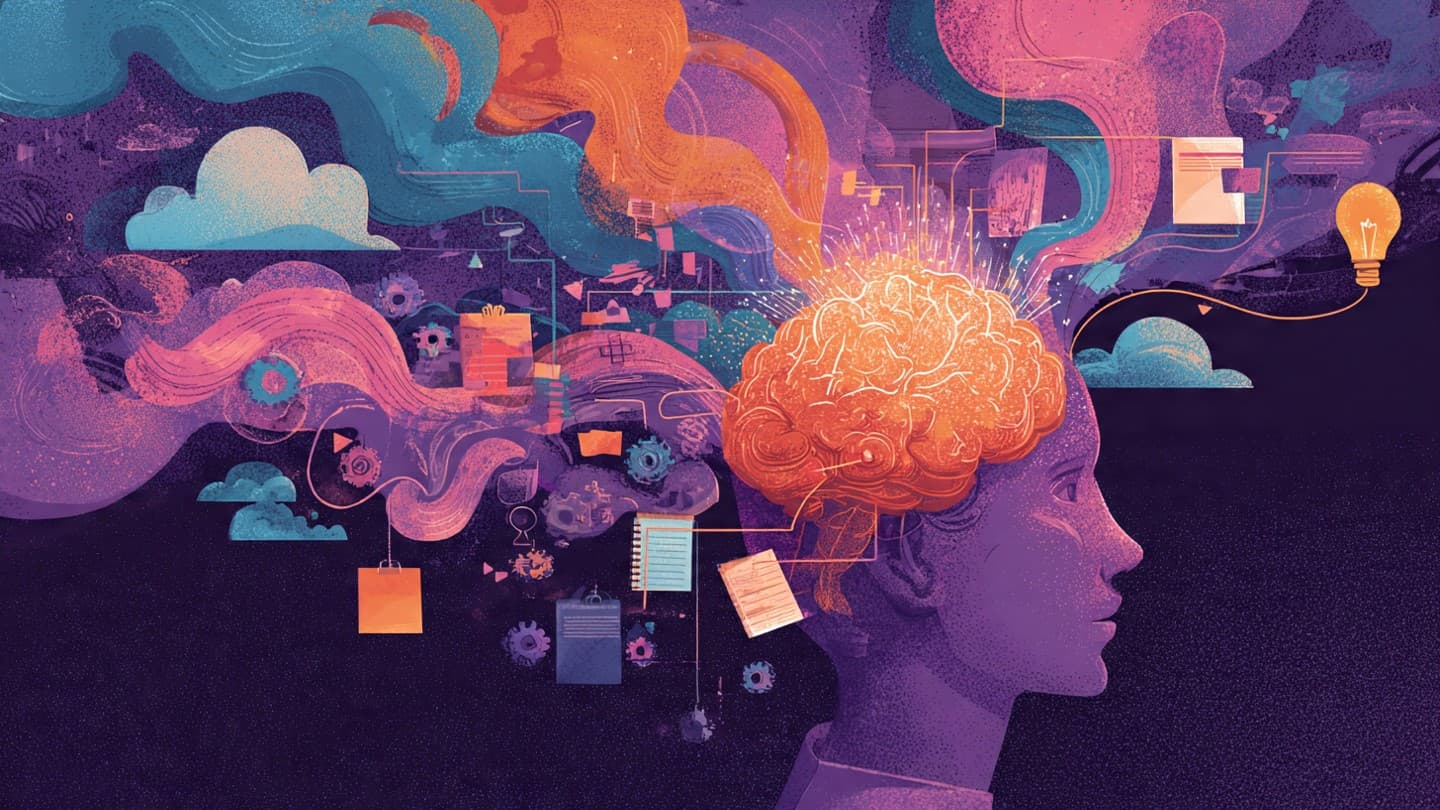
The second-brain concept has become one of the most-discussed topics in productivity and knowledge management. Tiago Forte's 2022 book Building a Second Brain popularized the framework and turned it from a hobby into a real discipline.
Let's be honest, though: most people who read the book never finished setting up the system. They opened Notion, created three folders, and then forgot about it. Why? The classical approach doesn't solve capture friction: opening another app, choosing the right folder, writing tags. The idea evaporates before it's saved.
This guide shows you how to set up a working second brain in seven days. We'll use both the original methodology (Forte's CODE and PARA frameworks) and a practical Hippo integration. By the end, you'll have a system you actually open every day.
What Is a Second Brain? (in three minutes)
A second brain is a digital information system you build alongside your biological one. Its job is to remember for you, so you can focus on thinking, creating, and living.
Why do you need one? Because your brain wasn't designed to store information. Since Hermann Ebbinghaus's 1885 forgetting-curve work, we've known that roughly half of newly learned information is forgotten within the first hour, and two-thirds within a day. Fast-forward to today: UC Irvine's Dr. Gloria Mark found that average screen-task attention spans dropped from 2.5 minutes in 2004 to 47 seconds by 2021. Modern life is bombarding a brain that evolution never prepared for it.
A second brain fills that gap. Together with the mental load angle, it forms the backbone of digital information management.
The CODE Framework: Information in Four Stages
The heart of Forte's methodology is the CODE framework, a four-stage lifecycle for information:
- Capture: Externalize anything that catches your attention. Fast, frictionless, non-judgmental.
- Organize: Sort what you captured by when you'll need it, not by topic hierarchy.
- Distill: Boil what matters down into a durable, easy-to-grasp note.
- Express: Combine the information with your own thinking and ship it out — writing, talk, decision.
Classical tools (Notion, Obsidian, Evernote) support all four stages, but they're always weakest at Capture. Hippo inverts that: it solves Capture with zero friction inside WhatsApp, leaving the heavier stages for whichever organize tool you prefer.
The PARA System: Every Note Has a Home
For CODE's Organize step, Forte introduces PARA. Every piece of information lands in one of four buckets:
- Projects: Active work with a finish line. "Customer pitch deck by end of March".
- Areas: Ongoing responsibilities. Health, finances, career, parenting.
- Resources: Topics you care about. AI, photography, Stoicism.
- Archives: Items no longer active. Completed projects, abandoned interests.
A classic mistake: people file by topic ("Marketing notes"), but Forte's insight is that what matters is when you'll act on it. If you're working on a pitch deck, "Current Pitch Deck Project" is more actionable than "Marketing notes".
Which Tool Should You Pick?
A second brain is a system, not a tool. But the wrong tool kills the system. Short comparison (detailed version here):
| Tool | Best at | Friction | Built-in AI |
|---|---|---|---|
| Hippo | Capture + fast recall | Zero (lives in WhatsApp) | Native |
| Notion | Team work, structured data | High (setup) | Add-on |
| Obsidian | Personal linked knowledge | Medium (learning curve) | Plugins |
| Evernote | Document archive, OCR | Medium | Limited |
| Apple Notes | iPhone, quick notes | Low | Basic |
This guide leans on a Hippo + your preferred organize tool combo. Hippo handles Capture, you do Distill and Organize in Notion or Obsidian if you want depth. Let's walk through each stage.
Seven Days to a Second Brain: Step by Step
The plan below uses the start small, build the habit principle. Maximum 15 minutes per day. By the end of the week you'll have a working system, not a hypothetical one.
Day 1: Get Comfortable Capturing (15 min)
Today's only task is to send things. Fire ten things at Hippo. Don't think. Don't pick a category. Don't write tags. Just open WhatsApp and send.
Examples:
- An idea from this morning's meeting (voice note)
- A product you saw on Instagram (link or screenshot)
- A book you're considering buying (photo of the cover)
- A recipe you want to try tonight (link)
Hippo analyzes each one, understands the content, and slots it into your Dashboard as a tidy card. At the end of the day, open the Dashboard and see how all ten items got organized. That visual feedback is the anchor for the habit.
Day 2: Visual Memory (15 min)
Today, focus on screenshots and photos. Hippo uses OCR (optical character recognition) to read text inside images. That's the antidote to the "I save screenshots and never look at them" problem.
Send today:
- A business card photo (the contact info becomes searchable)
- A receipt or invoice (you can come back to the amount and date later)
- A restaurant menu (weeks later you can ask "how much was the pasta at that place?")
- A handwritten note
In the evening, check the Dashboard and confirm those images are searchable by keyword. That's the moment you stop fearing the "I'll lose it in my camera roll" trap.
Day 3: Brain Dump via Voice Notes (15 min)
Today you talk. Dump the messy thoughts in your head into Hippo as voice memos. Hippo will:
- Transcribe them
- Summarize them
- Categorize by content type
Three suggested voice notes:
- Morning brain dump (2-3 min, everything on your mind when you wake up)
- Post-meeting reflection (1 min, "what was the most important decision in that meeting?")
- Evening reflection (1-2 min, "what did I learn today, what should I carry into tomorrow?")
These three voice notes deepen the Capture stage. Even on the days you can't sit down to type, the system still works.
Day 4: Your First Real Search (10 min)
After three days of input, Hippo now knows a bit about you. Today you'll try Smart Chat. Use the chat box in your Dashboard and ask plain-language questions:
- "Which book did I save this week?"
- "What did we decide in Tuesday's meeting?"
- "Which restaurant did I note down for Istanbul?"
Because Hippo acts as a personal memory layer, the answers come from your data, not from generic AI knowledge. This is the moment the difference from ChatGPT becomes obvious: ChatGPT knows the world, Hippo remembers you.
Day 5: Start the PARA System (20 min)
The first four days were Capture (CODE's stage 1). Today we move to Organize. Look at the Dashboard and build this basic structure:
- Active Projects: 3-5 projects you're working on right now. Make the list.
- Areas: The 4-6 ongoing categories of your life. Health, finances, family, career, hobbies.
- Resources: 3-5 topics you care about. AI, philosophy, personal growth.
- Archive: Empty for now. Completed projects will land here later.
Important: don't file by topic name, file by when you'll act on it. If you're presenting next month, "Pitch Deck" is a Project. General marketing knowledge is a Resource.
Day 6: Distill — The Art of Boiling Down (15 min)
CODE stage three. Today do three things in the Dashboard:
- Star what's valuable. Mark the 5-10 items you'd want to revisit. Hippo lets you favorite items.
- Check the summaries. Hippo auto-summarizes. Take the 3-5 most useful summaries and rewrite them in your own words. This is progressive summarization — Forte's signature distill technique. It makes the information stick.
- Delete the noise. There's stuff you'll never come back to. Archive or delete it. Avoiding information obesity requires this step.
Day 7: Express + Weekly Ritual (20 min)
CODE's final stage: Express. You don't just collect information and feel good. You use it. Today:
Use this week's collection to produce something. It can be:
- A short LinkedIn post (inspired by the most interesting idea you captured)
- A 5-10 point summary (synthesizing a topic)
- A decision (you have enough information now — act)
- An analysis you share with someone else (a message, an email)
Then set up your Weekly Review ritual:
- Every Friday evening, 15 min
- Open the Dashboard
- Star the three most valuable captures of the week
- Move completed Projects to Archives
- Pick a theme for next week
The ritual is the mechanism that takes the second brain from "set up" to "alive".
Common Mistakes
Seven days alone won't save you; long-term deaths kill the system. Three classics:
- Over-categorizing. 50 tags, 30 folders. The system starts serving the user instead of the user serving the system. Forte's PARA proposes only four categories — that's a feature, not a limitation.
- Using all the tools at once. Notion + Obsidian + Hippo + Roam + Evernote = none of them stick. One Capture tool, one Organize tool. Enough.
- Never deleting. The "I might need it" trap. Drowning under links you'll never read is why people quit. Weekly cleanup, no excuses.
Where Does Hippo Fit?
Hippo's role in a second-brain system is to make the Capture stage frictionless. You send information in seconds from WhatsApp, no prompts or tags required. That's why Hippo plugs the weakest point of classical tools rather than replacing them.
Two common practical setups:
- Hippo on its own: If you mostly want to recall information and act on it, no deep curation required (the special-purpose minimalist approach). The verb to Hippo it describes this role.
- Hippo + Notion / Obsidian: If you'll do deep Distill and Express work. Capture in Hippo, move the keepers into a Notion page, write from there.
When Hippo Isn't the Right Tool
Honesty at the end of every guide. Hippo isn't your starting point if:
- You're setting up an academic research system from scratch with citation management as the core need. Zotero or similar is what you want.
- You're a solo developer who wants Markdown files in Git. Obsidian is your habitat.
- You manage a shared knowledge base with a team with permissions and roles. Notion or Coda.
- WhatsApp isn't a daily app for you. Hippo's "live where you already are" principle doesn't work without that habit.
In those cases, you might still use Hippo as an auxiliary capture tool, or skip it entirely. The second-brain method is tool-agnostic: build the system first, pick the tool second.
Conclusion: Start With One Message
A second brain is a lifelong information system. Don't wait for the perfect setup — start with the minimum viable version. The 7-day plan above gives you exactly that.
Tomorrow morning, start Day 1. Send the first thing that catches your attention to Hippo. You'll have started the first stage of CODE with a single message.
By the seventh day you'll notice: the constant "don't forget this" voice in your head has gone quieter. In its place, a calm trust. The information is safe; you're thinking. Your second brain now lives alongside you.
About the author
Murat Esmer
Growth Architect, HippoGrowth Architect at Hippo. Writes about second-brain workflows, AI-native productivity, and how to stop fighting your own tools.
Frequently Asked Questions
Does a second brain actually work?
Yes — when it's set up right. The science is clear: since Ebbinghaus's classic forgetting-curve work in 1885 we've known that about half of newly learned information is lost in the first hour. UC Irvine's Dr. Gloria Mark found that average screen-task attention spans fell to 47 seconds by 2021. A second brain externalizes the memory to stop those leaks. The only scenario where it doesn't work is when you set it up and then abandon it.
What is the PARA method?
PARA is Tiago Forte's filing system. The acronym stands for Projects (active tasks with a finish line), Areas (ongoing responsibilities like health or finances), Resources (topics worth learning), and Archives (items no longer active). Every note goes in exactly one of the four. It prevents folder chaos.
How long does it take to build a second brain?
The functional setup: 7 days. Habit formation: 30 days. Genuine return on investment: 60-90 days. This guide focuses on getting the system functional. Friction-reduced tools like Hippo settle in much faster than the classic note-app approach.
Which app should I start with?
If you want frictionless capture and natural-language recall, Hippo. If you want a deep linked knowledge graph, Obsidian. If you need a shared database with your team, Notion. The 'right' one is the one you actually open every day.
Keep reading
The 8 Best Second Brain Apps in 2026 (An Honest Comparison)
Picking a second brain app got hard in 2026: Notion AI, NotebookLM, Obsidian, mymind, Mem, Readwise, Tana, and Hippo. We compare all eight on the same 4 criteria, with prices, honestly.

Where Was That Warranty? The Easy Way to Store Documents You Need Twice a Year
The repair tech asks for the warranty card and you're lost in a gallery of thousands of photos. Hippo stores receipts and warranties over WhatsApp and brings them back with one question. 3 small steps to start today.

Hippo for Students: Back Up Your Memory for Exams
92% of university students now use AI. Hippo is the WhatsApp memory layer that captures lectures, notes, and references, and brings them back on demand. 5 use cases + a 5-day exam plan.